01
Teach someone a new tool
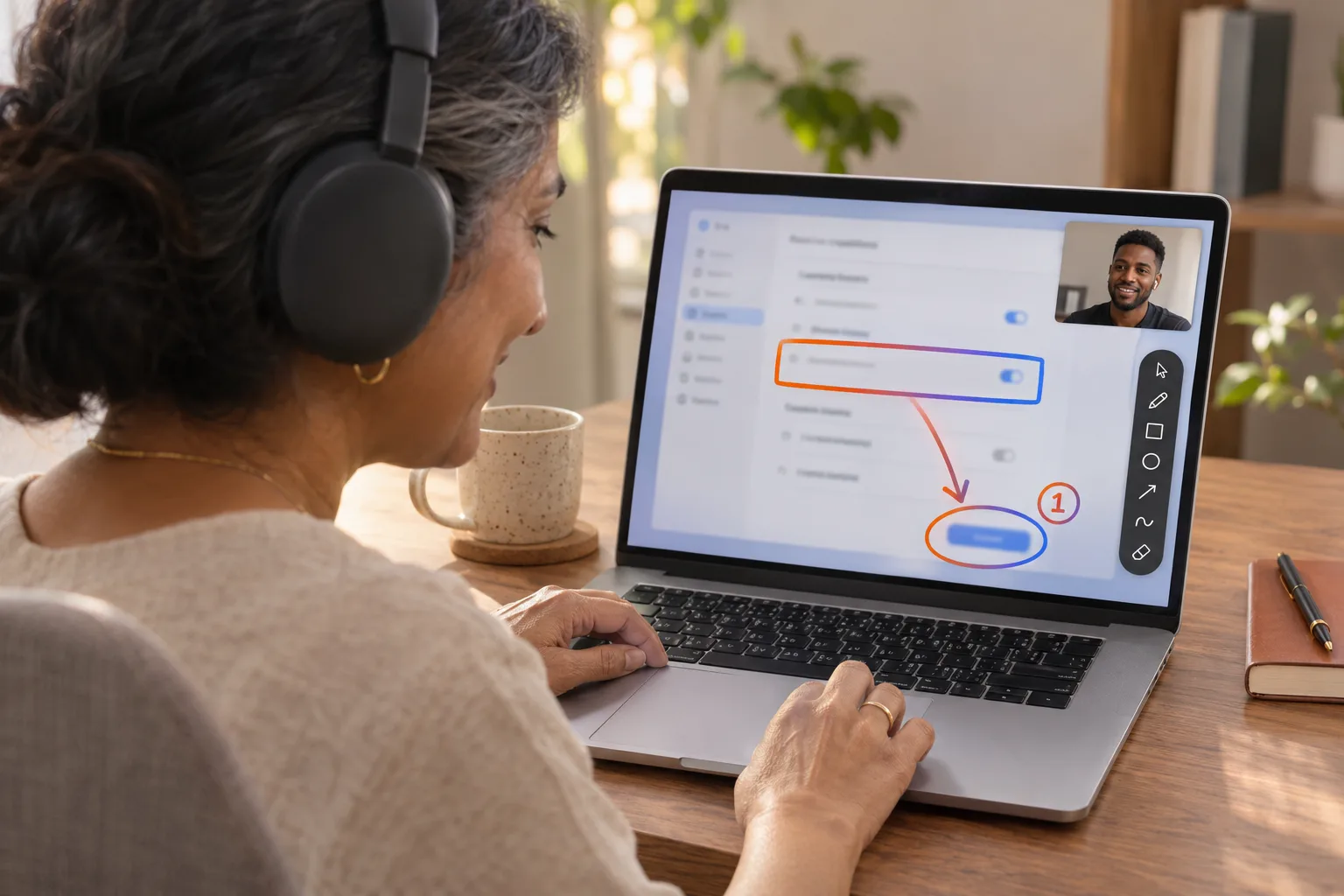
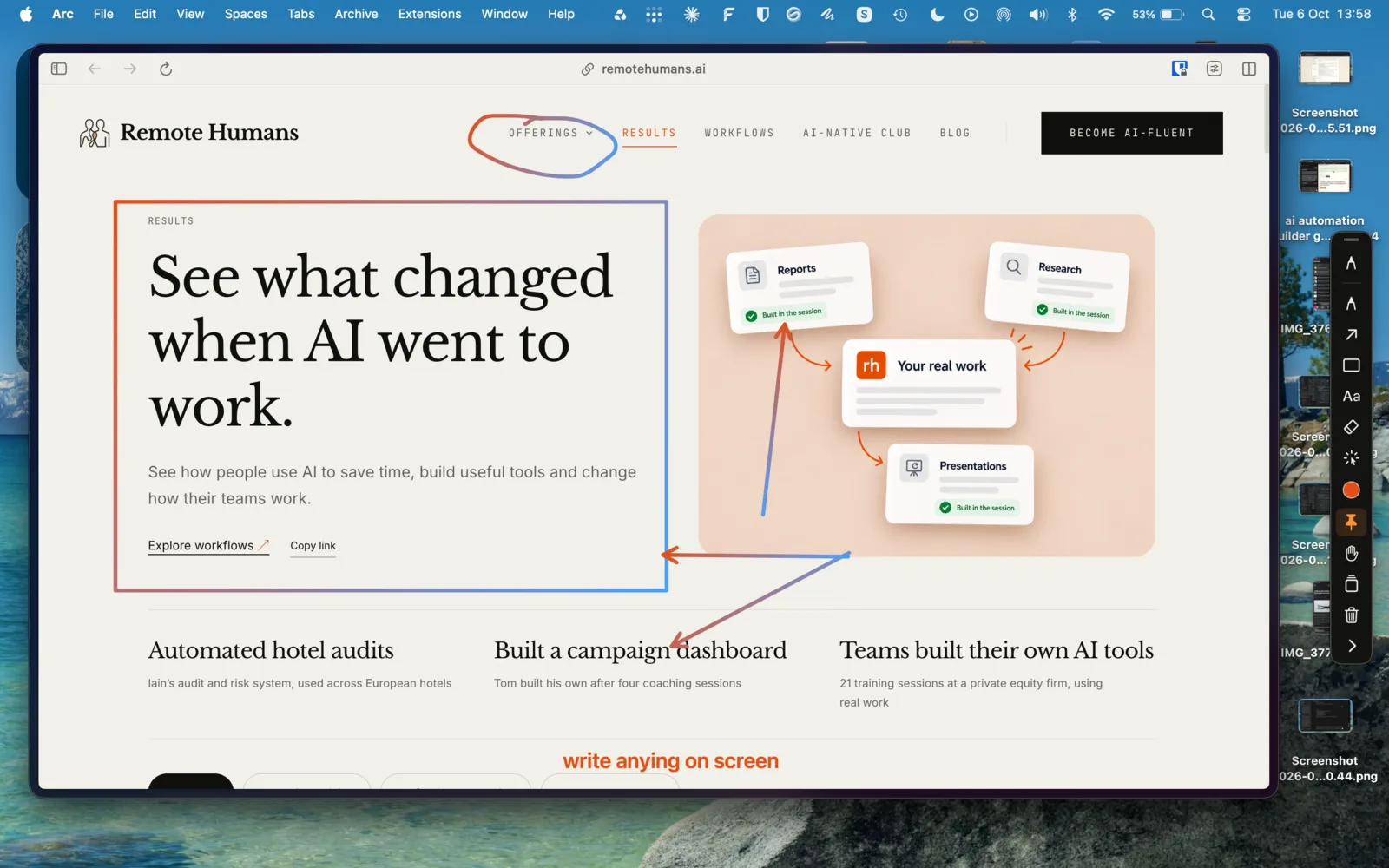
Circle the next button, drop a numbered marker, then hand control back and click it. Each drawing fades, so every step starts on a clear screen.
ScreenIncFree for Mac
Circle it, point to it, spotlight it. Then let the ink fade away.
When you share your screen, people have to guess what you mean. ScreenInc lets you draw straight over any app, so they see exactly where to look.

Made for the moments you explain
Circle the next button, drop a numbered marker, then hand control back and click it. Each drawing fades, so every step starts on a clear screen.

Spotlight the one panel that matters and dim the rest. Draw an arrow between two ideas while the real product stays on screen.
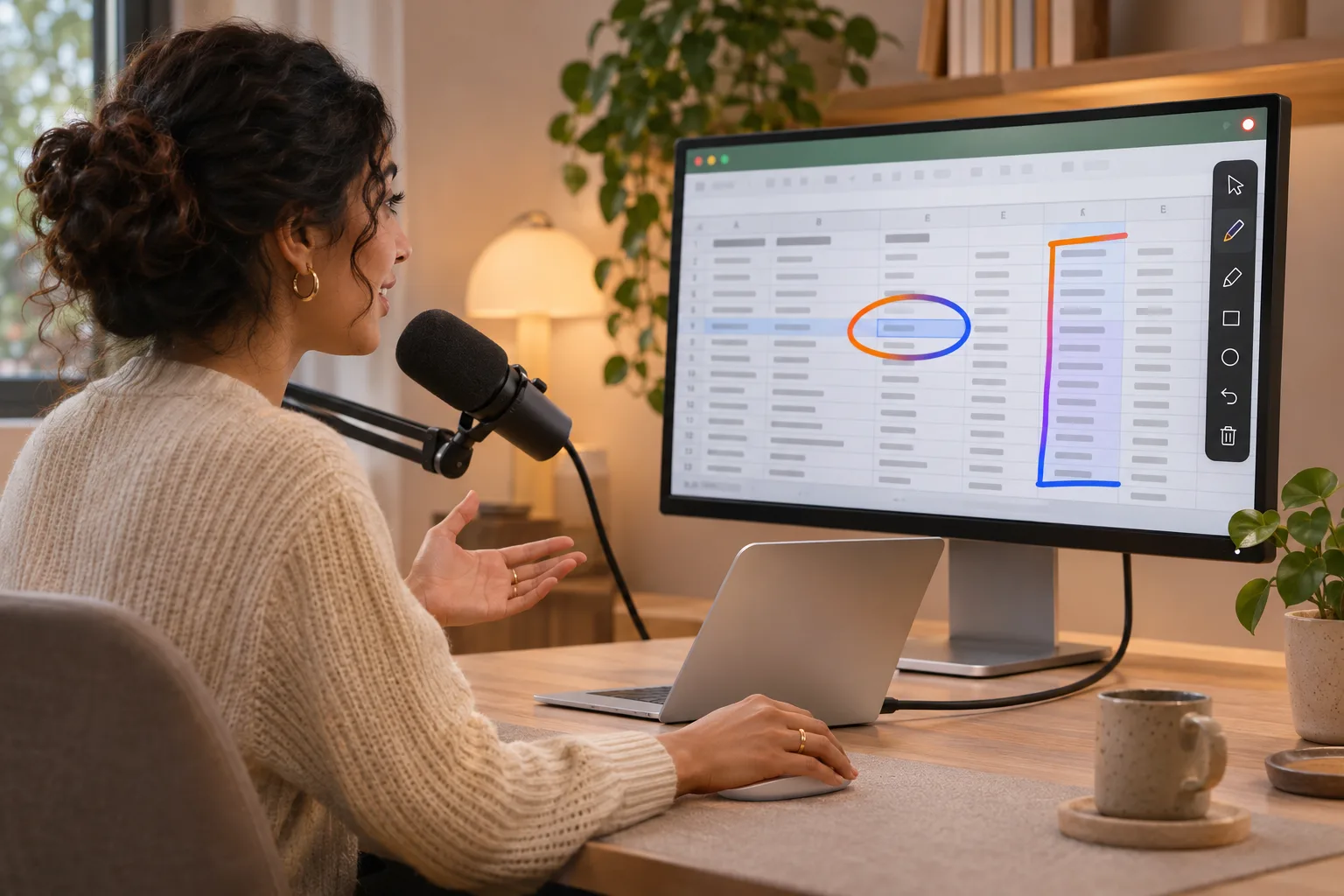
Underline, circle and label as you talk. Your recording app captures the drawings with everything else, with no editing afterwards.
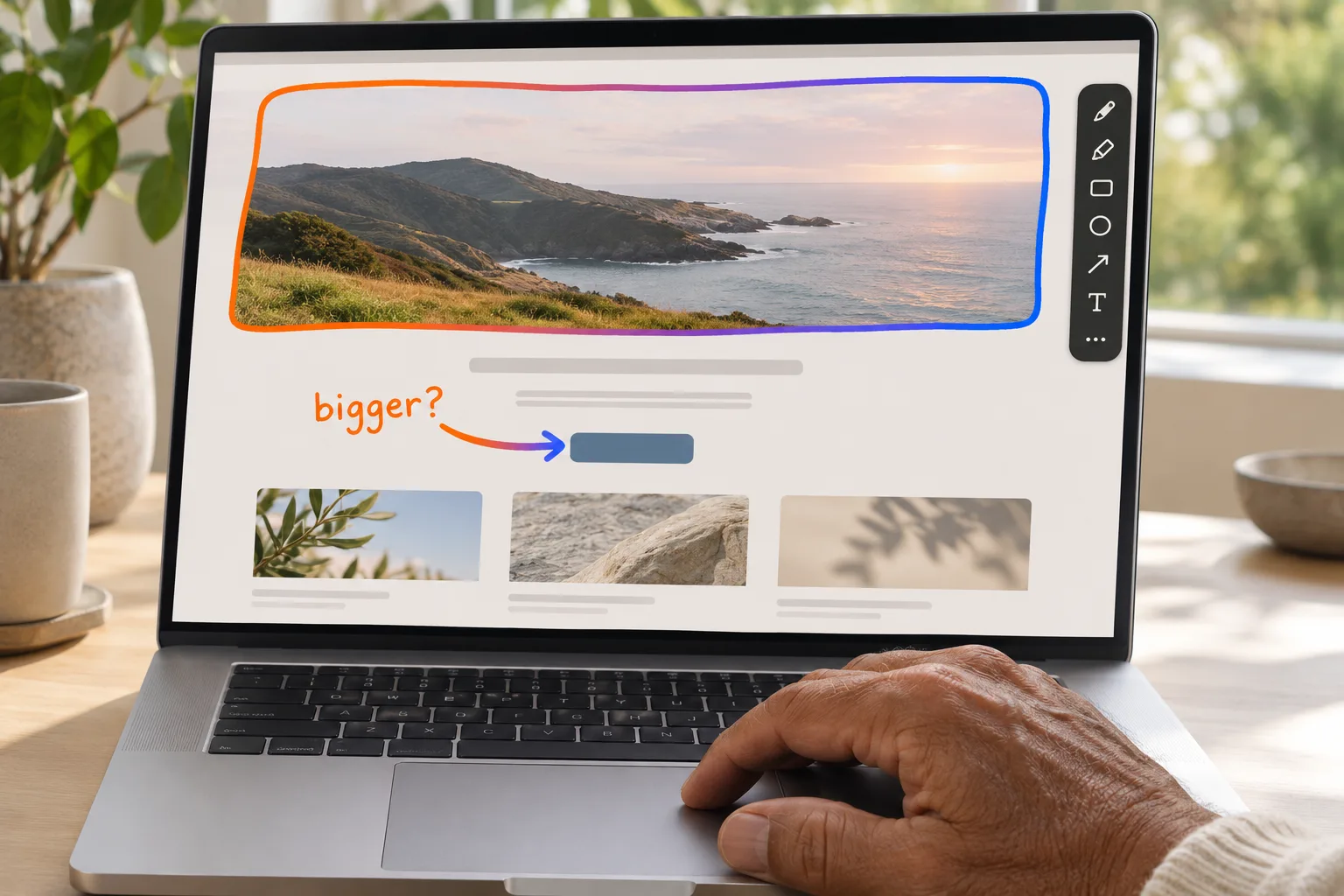
Frame the part of the page you mean and add a short note while the conversation carries on. No more "the thing on the left, no, further up".
The real thing
What is inside
Drawings disappear after a few seconds. Switch to Keep when you want to build up an explanation.
Dim everything except the area you are talking about, or zoom in on a small detail.
Pen, highlighter, rectangles, circles, arrows, text and gradient colours.
A narrow toolbar on the edge of your screen. Hide it with one key when you need the space.
Cursor highlight, numbered markers, a countdown and a phone remote on your local network.
Save drawings as snapshots to bring back later, or export them as PNG, PDF or PSD.
Up and running in a minute
Need help? Read the installation guide.
Yes. There is no trial, no account and no paid tier. The source code is open under the MIT licence, so anyone can read it or build on it.
Yes, when you share your entire screen. If you share a single window, the drawings sit outside that window and may not show. Check your shared view before an important session.
Yes. ScreenInc draws over the screen, so any app that records the whole display, such as QuickTime, Loom or Screen Studio, records the drawings too.
No. Everything runs on your Mac. The optional phone remote talks to your Mac over your own local network.
Yes. From version 0.4.2 the app is signed with a Developer ID and notarized by Apple, so your Mac opens it like any other app you download.
Elliott Callender at Remote Humans built ScreenInc for his own AI coaching and training sessions, then made it free for everyone.