Claude Cowork training
How can our team use Claude Cowork for real work?
Remote Humans teaches teams to use Claude Cowork through tasks from their own work. We help you give the tool clear instructions, choose what to share and review its output. Start with a task you can check. Keep private data and live actions inside your team’s agreed rules.
Summary updated
Sound familiar?
I don't know where to start
Cowork can do everything from file processing to web research to automated briefings. Without guidance, most people use 5% of its capability.
My team has Pro licenses but nobody uses it
Licenses don't drive adoption. Without proper setup, context files, and workflow training, Cowork sits unused.
The plugins and connectors are confusing
Google Workspace, Slack, Notion, DocuSign - each connector has its own setup and permissions. Getting them working together takes configuration expertise.
I need it to work with our specific tools
MCP connectors, custom plugins, and context files need to be configured for your business workflows, not generic templates.
How do I know it's safe with our data?
Cowork accesses local files and business tools. Your team needs clear policies on what it can access and how data flows.
Copilot Cowork vs Claude Cowork?
Microsoft just launched Copilot Cowork. Choosing the right platform - or using both - depends on your team's tools and workflows.
Cowork is two months old. The teams who set it up properly now will have a massive head start.
Cowork, configured for your business
We set up Claude Cowork for your team - context files tuned to your workflows, plugins connected to your tools, and hands-on training that drives real adoption. Whether you're starting fresh or migrating from ChatGPT, we get your team productive fast.
- Cowork workspace setup with team-specific context files and instructions
- Plugin and MCP connector configuration - Google Workspace, Slack, Notion, and more
- Scheduled task setup - automated briefings, reports, and recurring workflows
- Chrome extension configuration for web research and data collection
- Team training workshops - practical sessions with your actual workflows
- AI policy and usage guidelines for safe, effective Cowork adoption
- Ongoing optimisation - refining context files and workflows as your team learns
From $9,000
1:1 coaching starts at $9,000 (4 sessions). Team training and group coaching from $15,000. See Leader Lab for full tier details.
Limited availability — I work with a small number of clients at a time
Built by someone who ships with Claude daily.
15+ production systems built with Claude Code. From solo prototypes to team deployments, I know what works and what wastes tokens. 18 years of making complex technology disappear.
& FTSE 100Client Experience
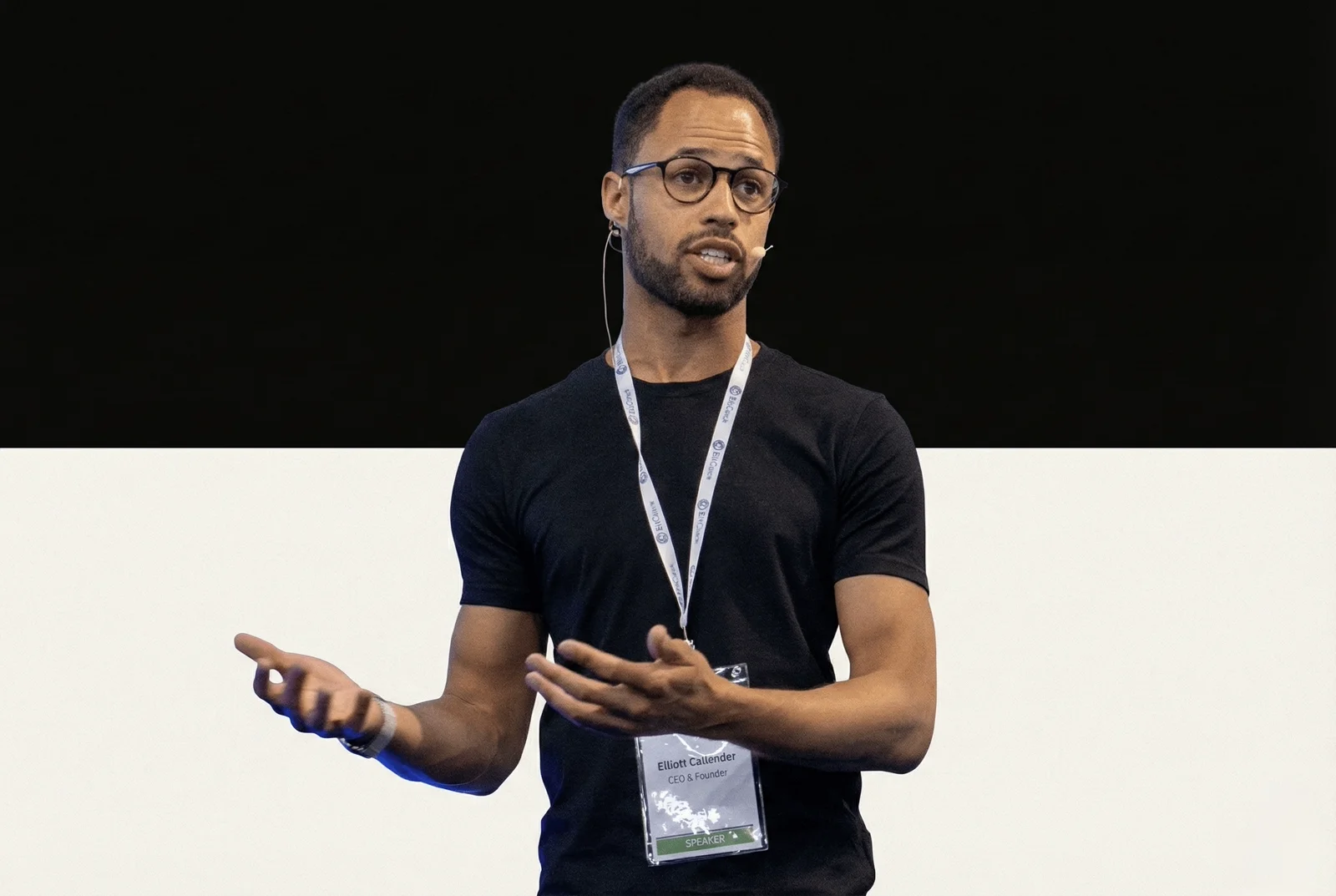
Elliott Callender · Your Cowork Partner
Real results from real people
Testimonial · 7:10
It gave us that mindset shift of there's so many things we can do that are accessible to people like us who are not technical.
Sheena & Jo · Co-Founders, Somnii
Common questions
What is Claude Cowork exactly?
How is Cowork different from just chatting with Claude?
Do we need the Max plan?
What about Microsoft Copilot Cowork?
How long does setup take?
Get your team on Cowork this week.
Book a free call. We'll assess your team's tools and workflows and map out the fastest path to productive Cowork adoption.