Cursor training for your work
How can I learn to build with Cursor?
Learn Cursor through a project you want to build. We help you set up the work and give the tool useful facts. Review and test the changes it makes. Choose coaching to learn by doing. Ask about a scoped build if you want help to deliver the system.
Summary updated
Sound familiar?
Only using tab completion
Cursor's inline suggestions are just the surface. Composer and agent mode are 10x more powerful, but your team hasn't adopted them.
Composer feels unreliable
Sometimes it produces great code, sometimes garbage. Without understanding how to scope prompts and provide context, results are inconsistent.
Rules files are empty
.cursorrules is the single most impactful configuration file in Cursor. An empty one means the AI has no context about your codebase, standards, or patterns.
Multi-file refactors go wrong
Editing across multiple files is where AI coding shines - but it requires specific techniques to avoid breaking changes and missed dependencies.
No shared team practices
Every developer uses Cursor differently. There's no shared rules file, no agreed workflow, and no way to share what works.
Unsure how Cursor compares to alternatives
Copilot, Claude Code, Windsurf - the AI coding landscape moves fast. Your team needs clarity on what to standardise around.
Your team has the tool. They just need someone to show them how to use it.
Cursor mastery for your team
A hands-on workshop where your developers work through real code with expert guidance. No slides, no theory - just practical patterns they can use the same afternoon.
- Composer workflows for feature development, debugging, and refactoring
- Rules file configuration that gives Cursor deep context about your codebase
- Multi-file editing patterns that maintain consistency across changes
- Agent mode for autonomous task completion with proper guardrails
- Team standards and shared rules for consistent AI-assisted development
- Honest comparison with Copilot, Claude Code, and Windsurf
From $9,000
1:1 coaching starts at $9,000 (4 sessions). Dev team group coaching from $15,000. See Leader Lab for full tier details.
Limited availability — I work with a small number of clients at a time
AI-assisted coding is a skill, not a shortcut.
I build with AI coding tools every day - Cursor, Claude Code, Copilot. 18 years of software development, now teaching the patterns that actually ship production code.
& FTSE 100Client Experience
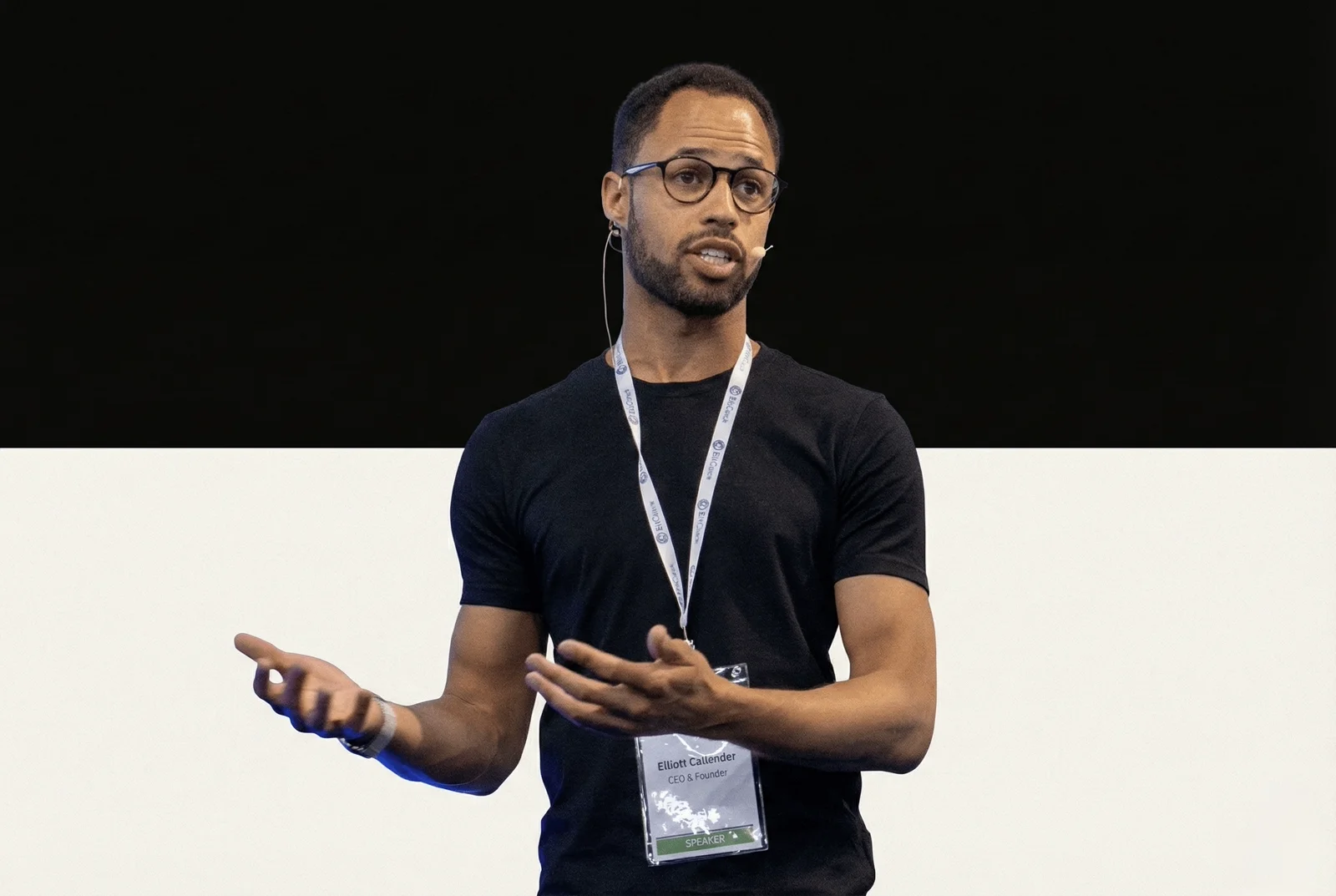
Elliott Callender · Your Cursor Coach
Real results from real people
Testimonial · 5:30
I just went from start to finish building a project in about three hours.
Tom Veysey · Partner, Platinum Agency
Common questions
What skill level do developers need?
Do we need Cursor Pro/Business licenses?
Is this remote or in-person?
What do we get after the workshop?
Should we use Cursor or switch to Claude Code?
Ship 3x faster. Starting this week.
Book a free discovery call. We'll assess your team's current Cursor usage and design a workshop that moves the needle.